.png)







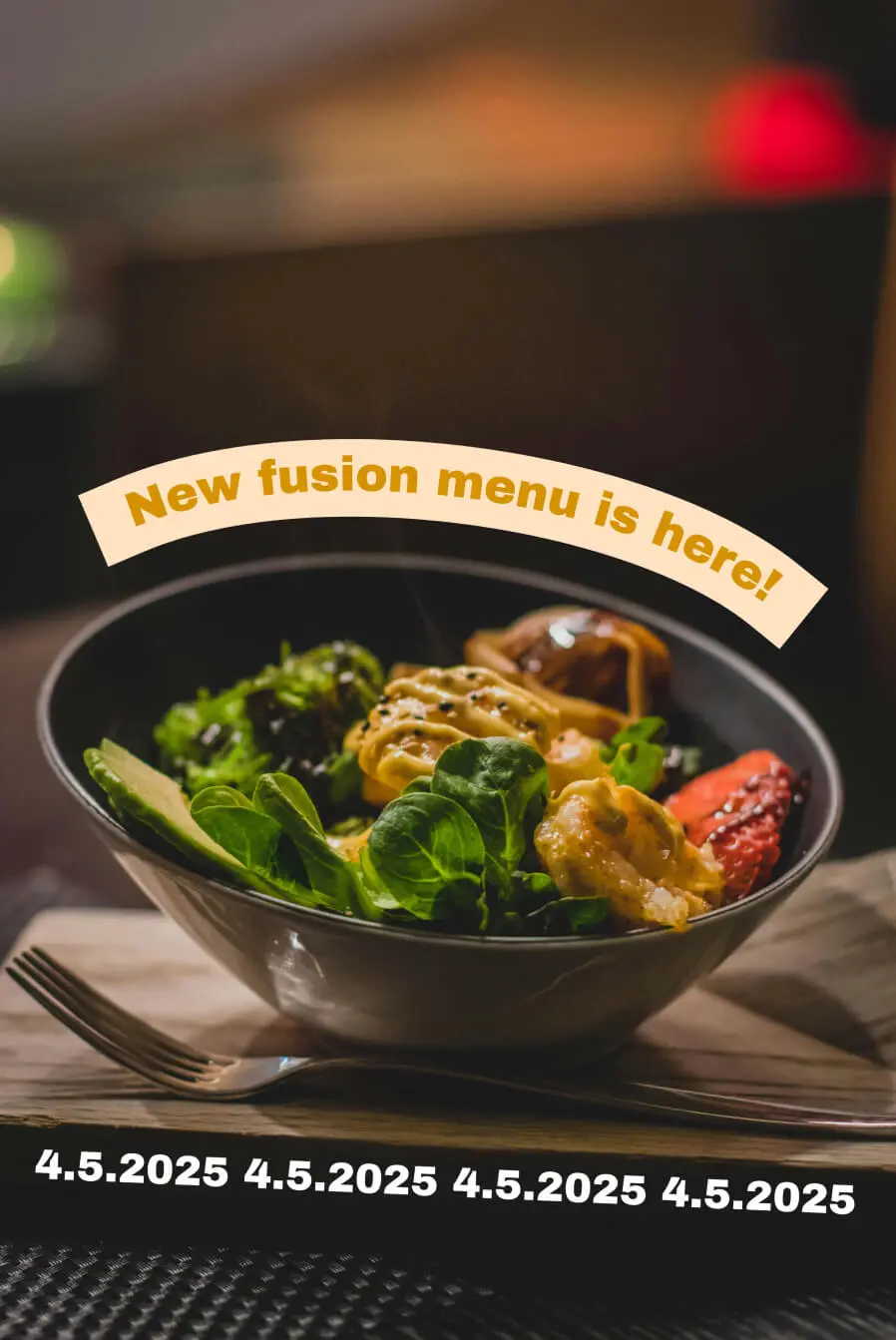


Make Professional Pie Chart With a Few Clicks
Name your labels, enter your values, select a color, or choose from beautiful color palettes, and your pie chart is ready. You can select from multiple professional and slick looking pie chart templates or even make it 3D pie chart.
.png)
Level-up Your Presentations with Pie Chart Maker
Make your presentation stand out with a pie chart maker with percentages. It's so customizable that the pie chart will fit your style and elevate it to the next level.
.png)
Features of Online Pie Chart Maker
💯
Values and percentages
Choose between absolute values and percentages
🖼️
.png, .jpeg, .svg
All major formats ready for download, great for sharing
🎨
Full design customization
Change colors, styles and background to fit your brand
✅
CC0 license
All you make here is free to use under CC0 licence
👉
Left, center, right
Align the chart the way it fits your presentation the most
🔗
Embed (soon)
Embed the pie chart to your website, blog or article
Make Your Stories, Videos & Presentations Shine
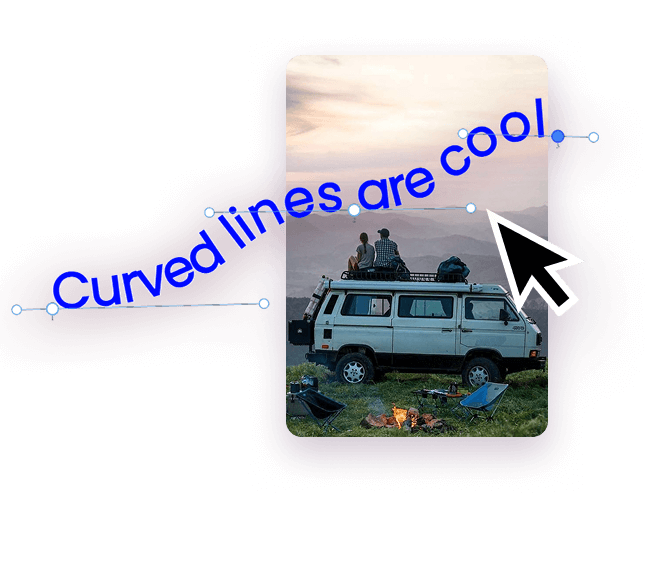
In your stories
Upload your image and draw curved text directly on the image. Download, and post!
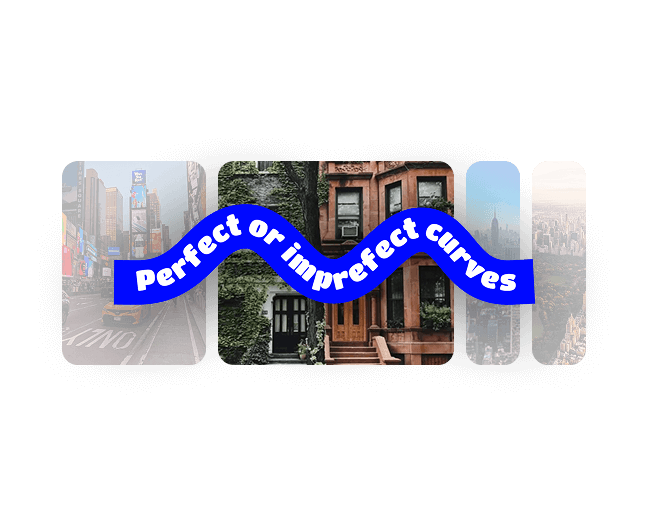
In your videos
Draw curved text, copy and paste it into your videos. Transparent background. It's easy!

Business? It can be fun!
Doing company slides? Make them them fun with free arc text. Circular text is fun!
60 Seconds. The perfect AI Agent for YOU.
Why are we building Loisa?
Many are looking for the silver bullet of growth. There is none. There is just thousands of cuts that gets the fly wheel going. Writing comments on Reddit, publishing landing pages, blog posts, personally onboarding every signup... on and on...
One thing always stood out for me. The energy I got from seeing a new signup pop in Slack.
I always went to the domain, learning about them, curious what business is interested in our product. Writing them a personalized email, scheduling a call and listening to their problems.
I believe every founder should do this. For many reasons. Learning, sales, product iterations.
But it can get very time and energy consuming.
That’s why we are building Loisa, your right hand, to streamline this flow, while not removing you from it. Enabling you to do more.
👋 Johan
FAQ
What is a pie chart maker?

A pie chart maker (also called a pie chart generator or pie chart creator) is an online tool that converts your data into a pie graph, a circular chart divided into proportional slices. Each slice shows a category's share of the whole, making it easy to visualize percentages at a glance. Instead of building a circle graph manually in a spreadsheet, you enter your values and get a finished chart in seconds.
How do I make a pie chart with this tool?
Enter your category labels and numeric values, and the pie chart maker does the rest. It calculates proportions, sizes each slice, and renders a clean pie graph you can customize. Add a title, toggle labels, pick colors, and download, the whole process takes under a minute.
Is this pie chart maker free?
Yes, completely free. No credit card, no trial period, no watermarks. You can create and download unlimited pie charts and pie graphs at no cost.
Do I need to create an account?
No sign-up required. You can start making a pie chart immediately. An account is only needed if you want to save charts and edit them later.
Can I make a pie chart with percentages?
Yes. The pie chart generator automatically calculates what percentage each slice represents. You can display raw values, percentages, or both as labels directly on the chart, useful for presentations, reports, and homework assignments where exact proportions matter.
What's the ideal number of slices for a pie chart?
Stick to 2–7 slices. Beyond seven, the circle graph becomes hard to read because slices get too thin to distinguish. If you have more categories, group the smallest into an "Other" slice, or consider switching to a bar chart.
What's the difference between a pie chart and a donut chart?
A donut chart is a pie chart with a hollow center, it shows the same part-to-whole relationship but frees up space for a total, label, or icon in the middle. Functionally identical; the choice is purely visual. You can switch between pie and donut with one click.
Can I customize colors, labels, and fonts?
Yes. Change each slice's color, edit category labels, adjust font sizes, show or hide the legend, and toggle between percentage and value labels. This makes it easy to match the pie chart to your brand, presentation deck, or report style.